
888PKR Game Register and Login
Creating an account is the first step for users who want to access the 888PKR Game platform. The Register and Login process should be simple, clear, and easy to follow, especially for new users who are using the platform for the first time. This guide explains how the account setup and sign-in process generally works and what to check if you experience problems.
Whether you are opening a new account or returning to an existing one, understanding the Register and Login process can help you avoid common mistakes. Before entering any information, always make sure you are using the correct and trusted 888PKR Game page.
How the 888PKR Account Setup Works
The Register and Login system normally has two separate stages. Registration is used when creating a new account, while login is used when accessing an account that has already been created.
During registration, users may be asked to provide basic account information and create login credentials. After completing the required fields, the account can be submitted for registration according to the instructions displayed on the platform.
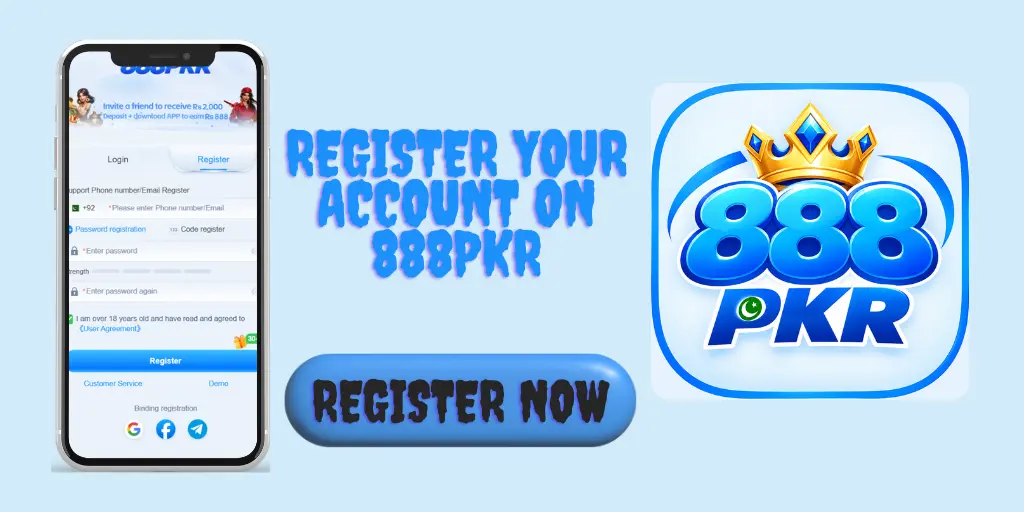
Steps to Register a New 888PKR Account
The Register and Login process starts with registration if you do not already have an account. Follow the instructions shown on the official account page rather than relying on outdated screenshots or third-party instructions.
Open the Registration Page
Start by opening the 888PKR Game registration page. Check the page carefully before entering any personal information.
Enter the Required Details
Complete the registration fields shown on the page. Depending on the current version of the platform, these fields may include a username, mobile number, password, or other basic account details.
Create a Strong Password
Choose a password that is difficult for other people to guess. Avoid using simple combinations such as your name, birthday, or commonly used numbers.
Check Your Information
Before submitting the form, carefully review the information you entered. A small spelling or number error can make it difficult to access the account later.
Submit the Registration Form
Once the required information has been checked, submit the registration form. If the platform displays a confirmation message, follow the instructions provided on the screen.
What You Need Before Registering
Having your basic information ready can make the Register and Login experience easier. Make sure you can access the mobile number or other contact information used during account creation. You should also remember the username and password created during registration. Do not share your password, verification codes, or other account credentials with another person.
How to Login to an Existing Account
After registration, the Register and Login process moves to the login stage. Returning users generally need to open the login page and enter the credentials associated with their account.
Open the Login Page
Go to the 888PKR Game login page and make sure you are on the correct page before entering your details.
Enter Your Account Credentials
Enter the username, mobile number, password, or other information requested by the login form. Check each field before continuing.
Select the Login Option
After entering the required information, select the login button. If your credentials are correct, the platform should process the request and open your account.

Common Login Problems and Simple Solutions
Sometimes the Register and Login process may not work as expected. Login errors can occur because of incorrect credentials, browser problems, internet interruptions, or temporary platform issues.
Incorrect Password
If your password is rejected, check whether you entered it correctly. Pay attention to uppercase and lowercase letters and make sure there are no accidental spaces.
Incorrect Username or Number
Check the username or mobile number entered in the login field. One incorrect digit or character can prevent successful access.
Page Not Loading
If the login page does not load, check your internet connection and refresh the page. You can also try opening the page in another browser.
Verification Problem
If a verification step appears during the Register and Login process, complete it using the instructions shown on the screen. Never share a private verification code with another person.
How to Keep Your Login Details Safe
Account security is an important part of the Register and Login process. Use a unique password and avoid saving your credentials on shared or public computers. Do not give your password, verification codes, or account information to people claiming they can fix your account. If you suspect that someone else has access to your credentials, change your password through the available account-security options.
Register and Login on a Mobile Device
Many users access gaming platforms through smartphones, so the Register and Login process should be straightforward on a mobile browser. Open the relevant page, complete the required fields, and check that the website displays correctly before submitting your information. If the page behaves incorrectly, update your browser, clear temporary browser data, or try another supported browser.
What to Do If You Cannot Access Your Account
If you cannot complete the Register and Login process, first identify where the problem occurs. For example, registration may fail because required information is missing, while login may fail because credentials are incorrect. Avoid repeatedly entering random passwords or personal information. Instead, use the platform’s available account-recovery or support instructions if you need further assistance.
Important Tips for a Smooth Account Experience
Following a few basic practices can make Register and Login easier:
Frequently Asked Questions
What is the 888PKR Game Register and Login process?
The Register and Login process includes creating a new account and subsequently accessing that account using the required credentials.
How do I create an 888PKR account?
Open the registration page, enter the required information, create your password, review the details, and submit the registration form.
Why can’t I login to my 888PKR account?
The Register and Login process can fail because of incorrect credentials, browser issues, connection problems, or temporary technical errors. Check your information and try again.
What should I do if I forget my password?
Look for the password-recovery option available on the login page and follow the instructions provided by the platform.
Can I use 888PKR on a mobile browser?
If the current 888PKR platform supports mobile browsers, you can access the relevant account page through a compatible smartphone browser.
Final Thoughts
The Register and Login process is straightforward when you carefully follow the instructions shown on the current 888PKR Game account pages. New users should check their information before creating an account, while existing users should keep their login credentials secure. If an error occurs, checking the entered details, internet connection, and browser is a good starting point for troubleshooting.